1
Create
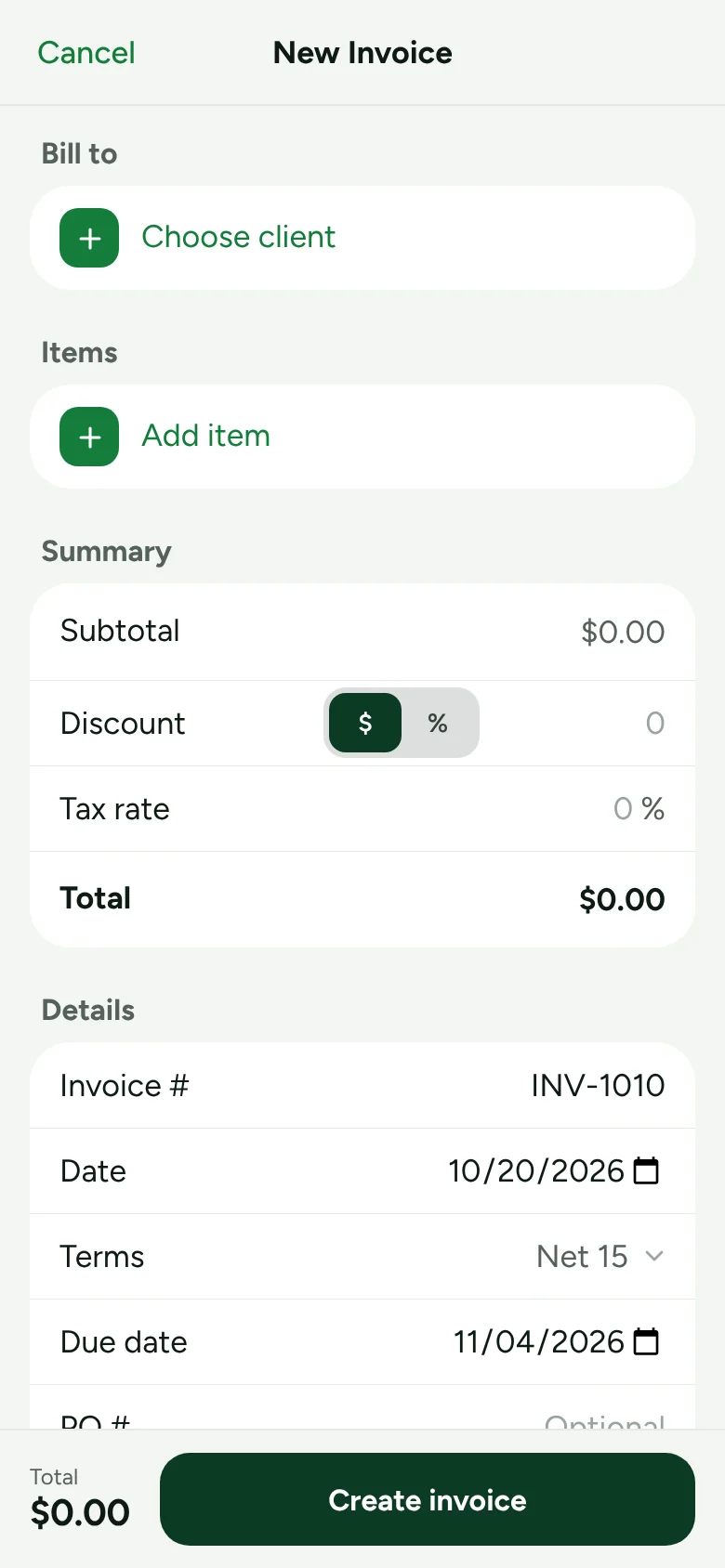
Pick the client, add services by the hour, job or square foot. Tax, discounts and totals do themselves.
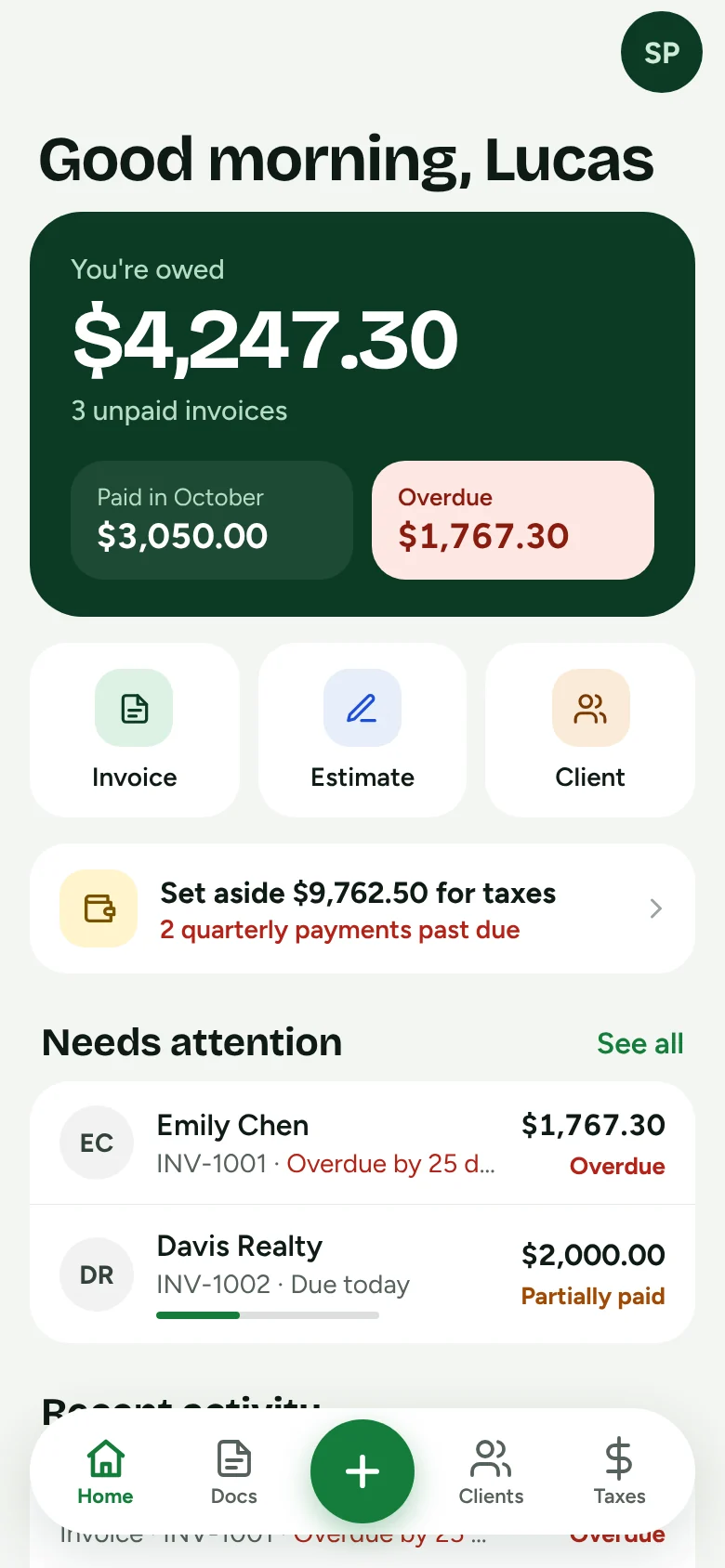
The iPhone invoicing app for 1099 subcontractors and service pros. Invoice the job before you leave the driveway, and know what to set aside for taxes.
Coming soon to iPhone. Unlimited invoices. No weekly plans.
We read the reviews of the biggest invoicing apps. The complaints were never about features. They were about limits, price games and canceling.
Send as many invoices and estimates as the work brings in. No caps to push you up a tier.
Shown in the app before you pay anything. No weekly billing, no hidden add-ons.
Billing runs through your Apple ID, so you cancel in iPhone Settings like any other subscription.
How it works
Built for people who invoice from a truck, between jobs, with one hand.
Pick the client, add services by the hour, job or square foot. Tax, discounts and totals do themselves.
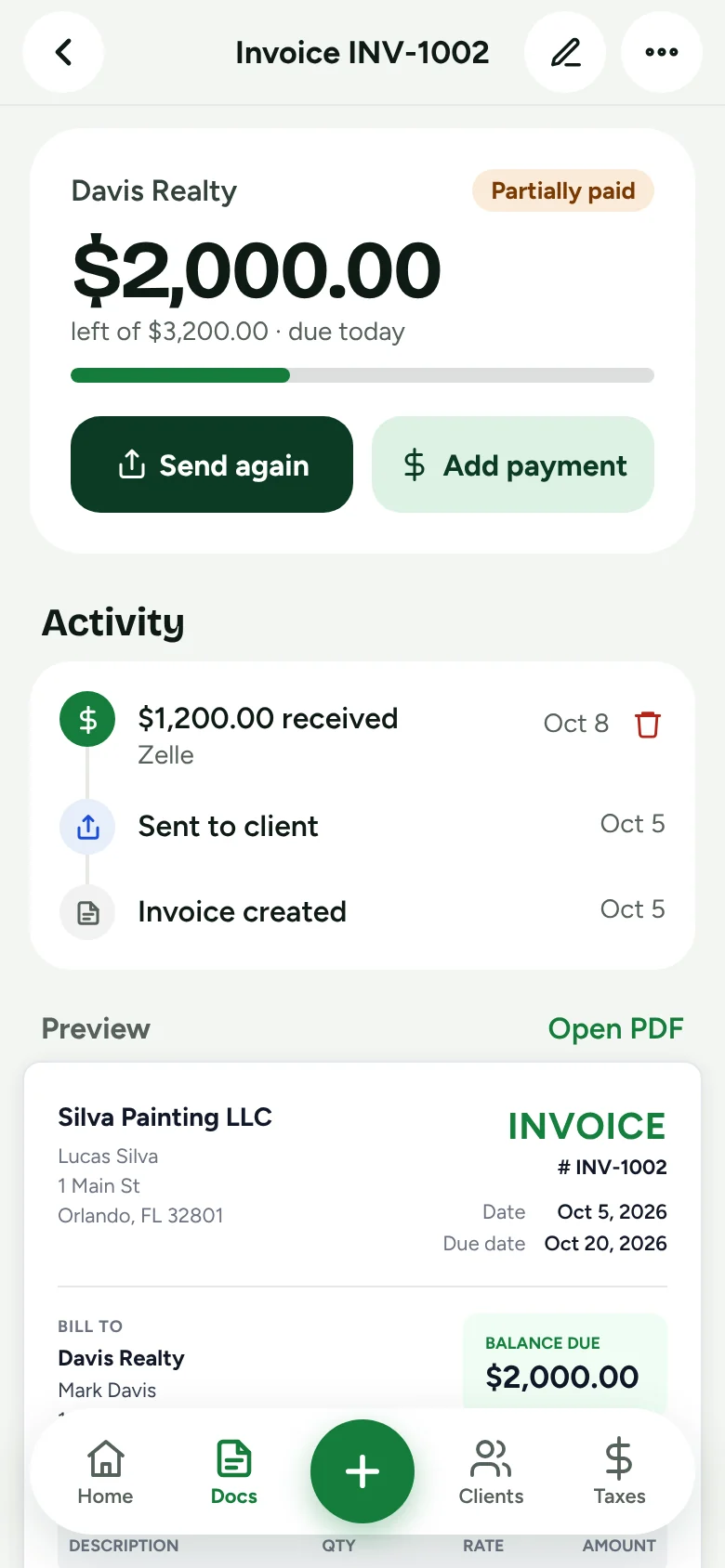
A clean PDF goes out by text, email or WhatsApp, with your Zelle, Venmo or check details printed on it.
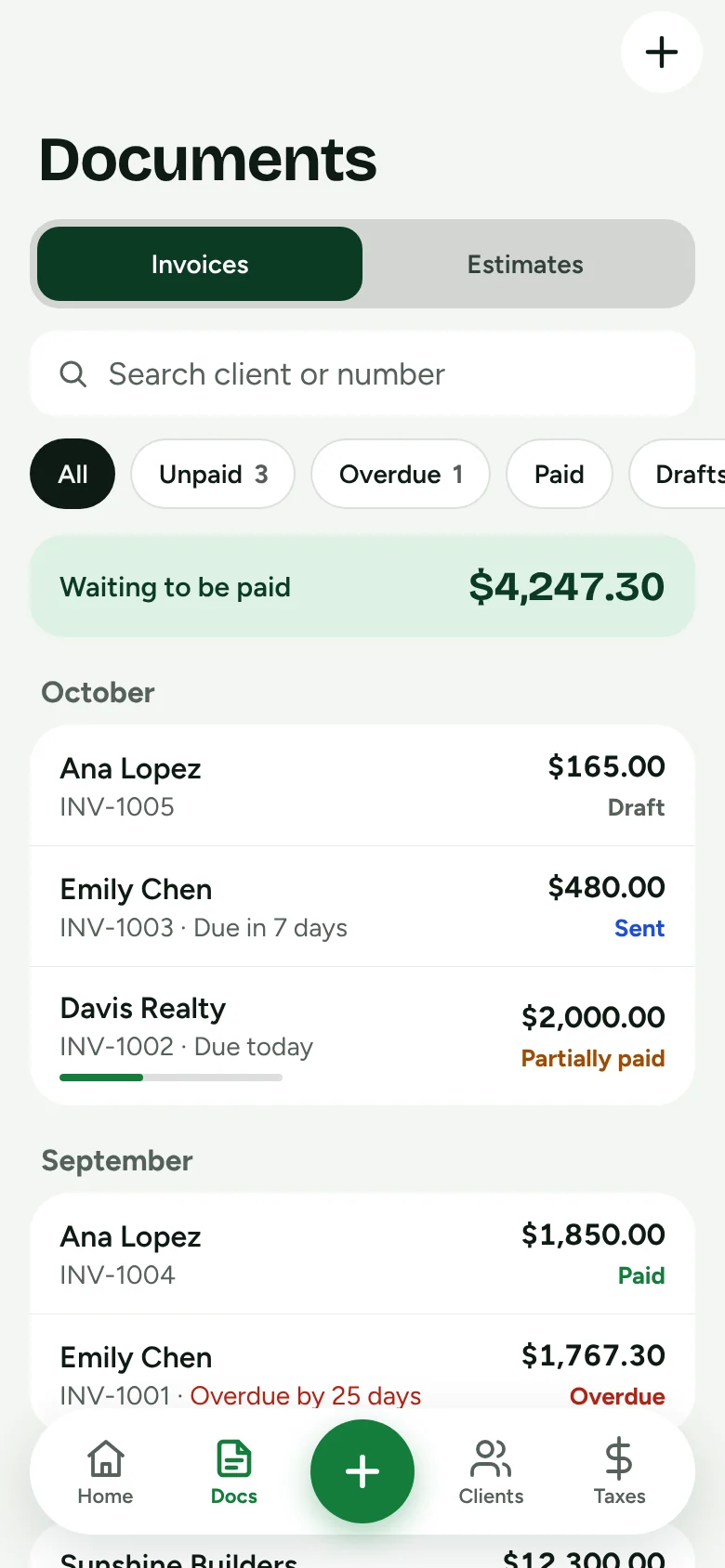
Log full or partial payments. Overdue invoices rise to the top, so you know exactly who to call.
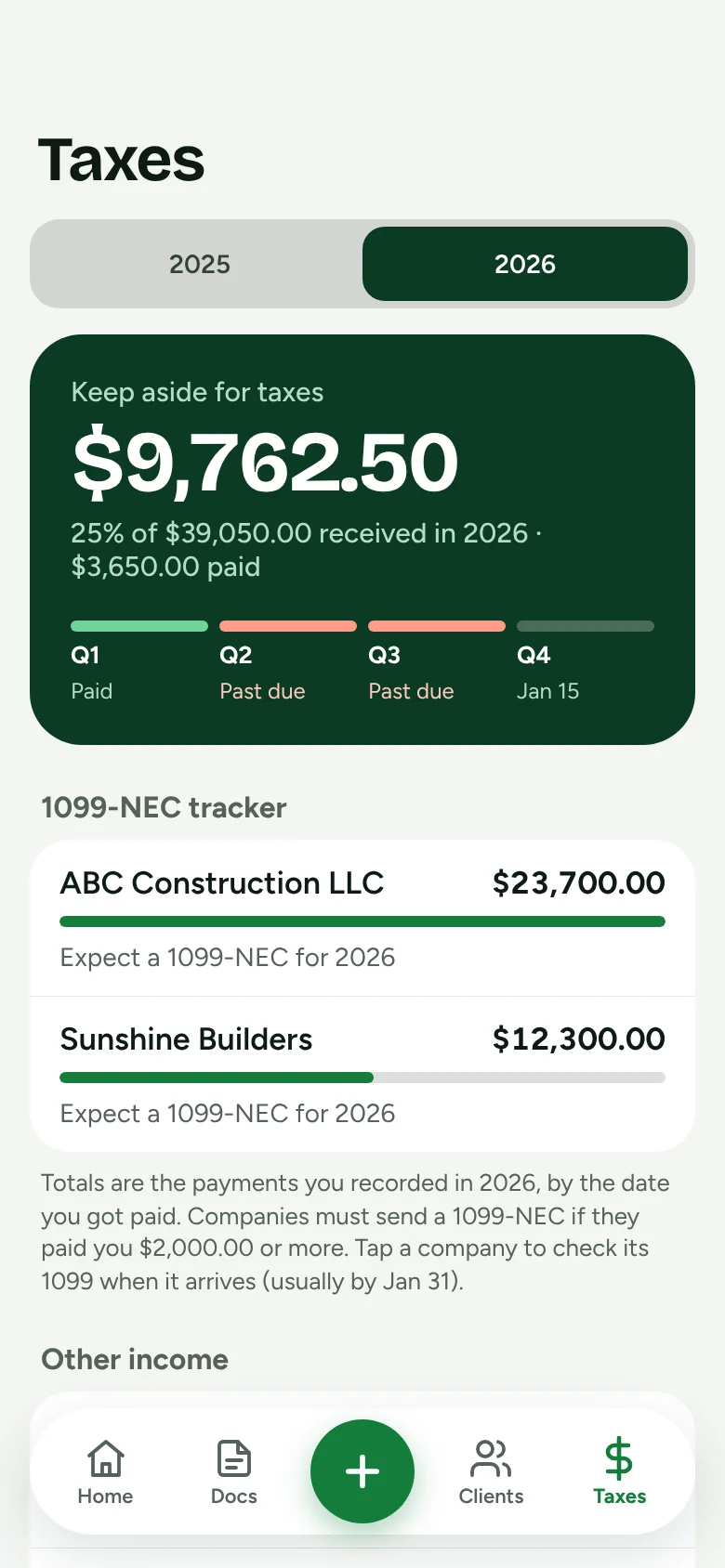
For 1099 subcontractors
The companies that hire you report every dollar on a 1099-NEC, but they don't withhold anything. Try what the app shows you on every payment.
Everything else
No dispatch boards or crew scheduling. Just the parts you use every day, done well.
Your logo, your license number and how to pay you, on a US Letter PDF.
No account, no cloud. Works with no signal on the job site.
When the client says yes, the estimate becomes an invoice in one tap.
Status updates on its own from dates and payments.
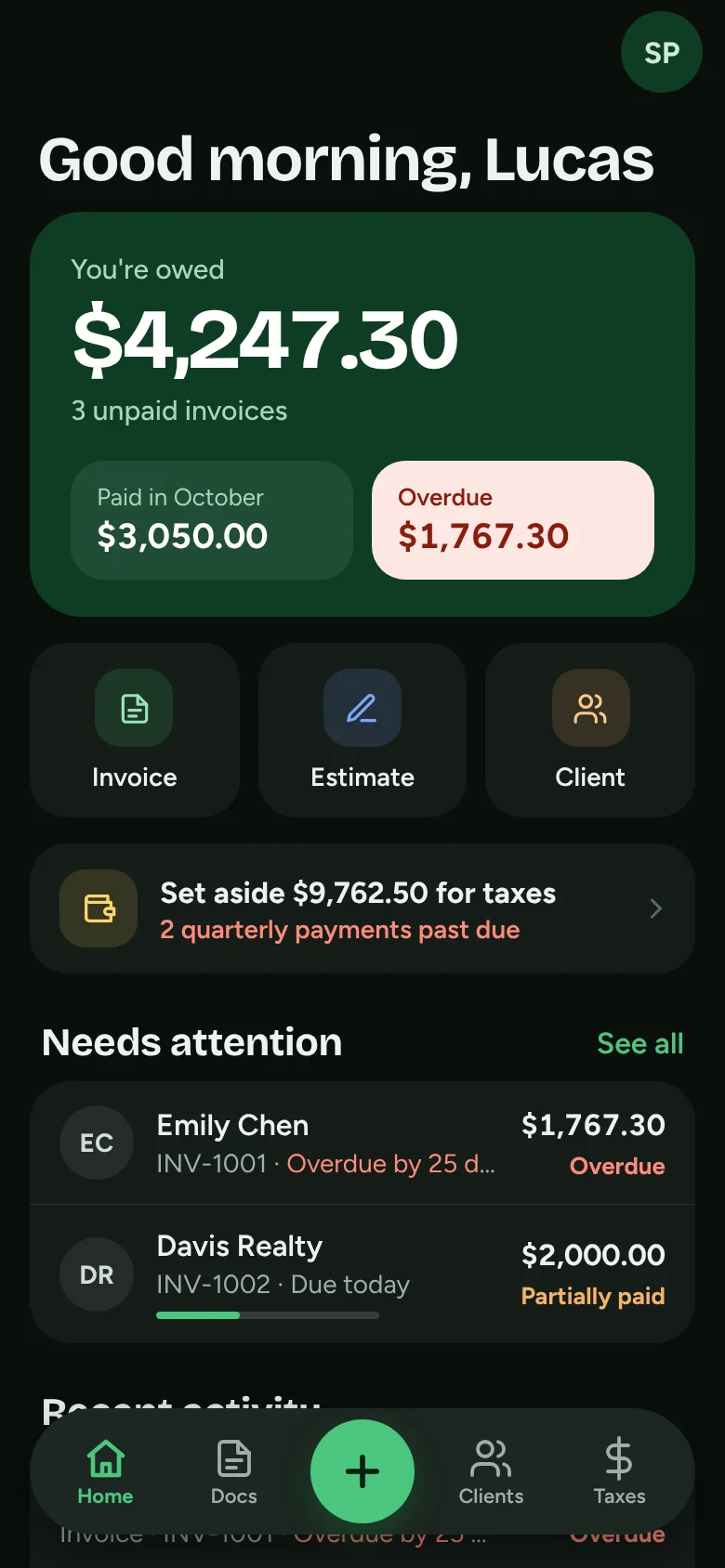
Full dark mode that follows your iPhone.
Anything else? Visit support.
123 Invoice is coming soon to the App Store for iPhone. Email us for early access and we'll let you know the day it's live.
The price will be shown in the app before you pay anything. One plan, unlimited invoices, no weekly billing, and you can cancel any time in your iPhone Settings.
No. Your business data stays on your iPhone. You can export a backup file whenever you want.
No. It shows estimates to help you plan: how much to set aside, the quarterly IRS dates, and what each company paid you so you can check your 1099-NEC. Talk to a tax professional for advice.
Your invoices show how you want to be paid: Zelle, Venmo, Cash App, check, ACH or any note you add. You record payments in the app when they arrive.

Be one of the first subcontractors to try 123 Invoice on iPhone.
Get early access